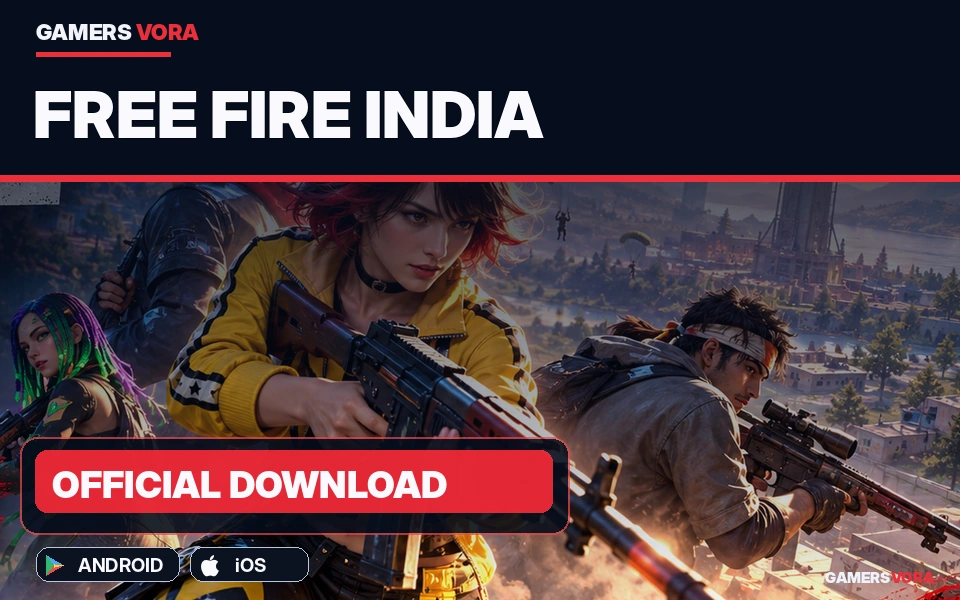
Free Fire India arrives on October 28, 2026. Find official Android and iPhone download links, installation steps, safety features and important account information.
Free Fire India Is Back, but Downloading the Right App Matters
After years of uncertainty, Free Fire India finally has an official release date. Garena announced that its India-focused battle royale game would become available on October 28, 2026, through Google Play and Apple’s App Store.
For returning players, the announcement brings back a familiar question: where can the game be downloaded safely?
That matters because Free Fire India is a separate application, not simply another name for Free Fire MAX. Players looking for the Indian release should check the game’s exact title, publisher and store listing rather than relying on an unfamiliar website promising an early download.
Garena has also outlined changes aimed at Indian audiences, including local events, parental safeguards and support for a wide range of smartphones.
This guide explains where to find the official app, how to install it, what to expect from the Indian version and which questions still need clear answers.
Free Fire India at a Glance
| Detail | Information |
|---|---|
| Game | Free Fire India (FFI) |
| Developer / Publisher | Garena |
| Release Date | October 28, 2026 |
| Platforms | Android and iOS |
| Official Stores | Google Play and Apple App Store |
| Download Price | Free |
| In-App Purchases | Yes |
| Genre | Multiplayer battle royale shooter |
| Main Modes | Battle Royale and Clash Squad |
| India-Specific Content | Local events and campaigns |
| Launch Event | Diwali campaign until November 15, 2026 |
| Existing Account Transfers | Not publicly confirmed in the announcement |
Free Fire India Official Download Links
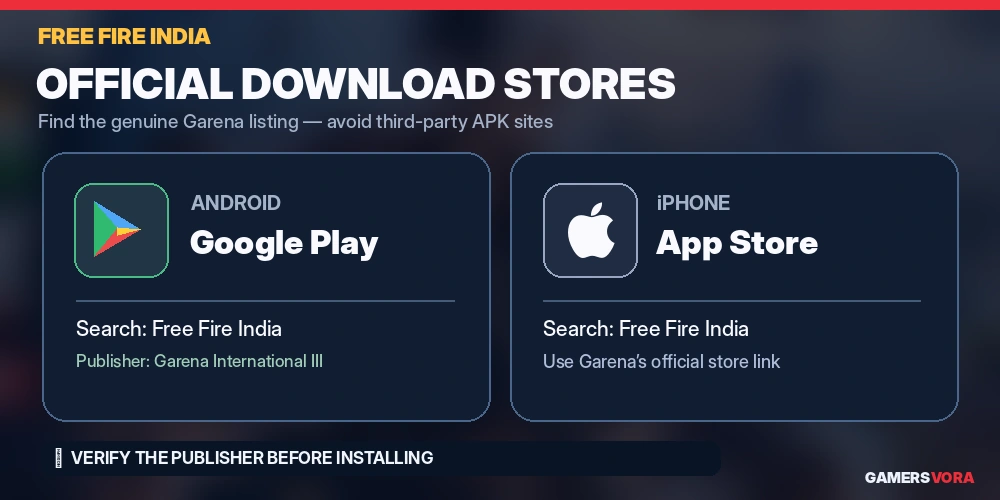
The safest starting point is Garena’s own website or the verified app-store listings.
Android: Google Play Store
Official Google Play link:
https://play.google.com/store/apps/details?id=com.garena.game.ffi
The listing identifies the game as Free Fire India and names Garena International III as its publisher.
If you previously installed Free Fire MAX, pay attention to the app name. The India edition uses a separate listing.
iPhone: Apple App Store
App Store link published by Garena:
https://apps.apple.com/us/app/free-fire-india/id6449933265
Garena identifies the App Store as an official distribution channel. However, the linked Apple page could not be independently opened during our October 28 check, so its availability on every iPhone cannot yet be verified.
If the direct link does not work, use Garena’s official download information:
https://ffindia.garenaind.com/en/faq
Select the App Store option or search for Free Fire India directly in Apple’s store.
Important: Do not mistake another Garena title for the India-specific release simply because it appears first in search results.
How to Download Free Fire India on Android
Installing the official Android version should be straightforward once Google Play makes the download available for your device.
- Open the Google Play Store on your Android phone.
- Search for Free Fire India, or open the official link above.
- Confirm that the publisher is Garena International III.
- Tap Install if the option is available.
- Allow the download and installation to finish.
- Open the game and complete any additional setup shown on-screen.
Use a stable internet connection and leave enough free storage for the installation and subsequent game data.
If Google Play displays an unavailable or incompatible-device message, do not immediately assume something is wrong with your phone. Store visibility, regional availability and device eligibility can affect what appears.
Should You Download a Free Fire India APK?
For most Android users, the answer is no.
Google Play provides a more straightforward way to identify the publisher and receive updates. An APK shared through a messaging group or an unknown download website is harder to verify.
Be particularly careful with websites asking you to disable device security, install additional apps or provide login credentials before downloading the game.
Until Garena explicitly authenticates another distribution method, Google Play remains the recommended installation route.
How to Install Free Fire India on iPhone
Garena has announced an iOS release alongside Android.
To check availability:
- Open the App Store on your iPhone.
- Search for Free Fire India.
- Check the app name and Garena publisher details.
- Open the listing and review its compatibility information.
- Tap Get when the official app is available.
- Authenticate with Face ID, Touch ID or your Apple Account if requested.
- Open the installed game and follow the setup instructions.
If the listing is missing, try the download link provided through Garena’s official website.
Avoid changing your Apple Account region or downloading unrelated apps merely because the India listing is not visible. A missing listing is not sufficient evidence that a workaround is necessary.
Free Fire India vs Free Fire MAX: What Is Different?
One of the easiest mistakes returning players could make is assuming Free Fire India and Free Fire MAX are interchangeable.
Both belong to Garena’s Free Fire franchise, but their names refer to different applications.
| Feature | Free Fire India | Free Fire MAX |
|---|---|---|
| Identity | Standalone India-focused release | Existing Free Fire variant |
| Gameplay | Familiar battle royale gameplay | Established Free Fire gameplay |
| Visual Positioning | Designed for broad smartphone compatibility | More graphically enhanced presentation |
| Local Content | India-focused events and campaigns announced | Has its own ongoing content and updates |
| Installation | Separate India app listing | Separate MAX listing |
| Account Migration Between Apps | Not confirmed | Not confirmed for the India release |
The most meaningful distinction at launch is not a claim that one version has better weapons or easier matchmaking. Garena has presented Free Fire India as a version adapted for the Indian market, including local campaigns and responsible-gaming features.
The company has not yet provided enough verified information to make definitive comparisons about performance, shared inventories or progression compatibility.
For more background on the franchise’s basic gameplay, see GamersVora’s Free Fire game profile. That profile covers the original title rather than confirming features specific to this new India release.
Will Your Old Free Fire or Free Fire MAX Account Work?
This is one of the biggest unanswered questions for returning players.
An existing account may contain characters, outfits, earned items, purchases and years of progression. Naturally, players want to know whether those details will appear when they log into Free Fire India.
Garena’s October 27 launch announcement does not explicitly confirm automatic account migration or inventory transfers from Free Fire MAX.
That means players should not assume that previously purchased diamonds, cosmetic items or rankings will carry over.
Before making changes to an existing account:
- Keep your current account linked to its original login method.
- Avoid deleting your existing game or account data merely to install the India version.
- Check Garena’s official support channels for migration instructions.
- Never share passwords or OTPs with someone claiming they can transfer your account.
It is better to wait for clear account-support guidance than risk losing access while attempting an unofficial migration.
What Gameplay and Features Can Players Expect?
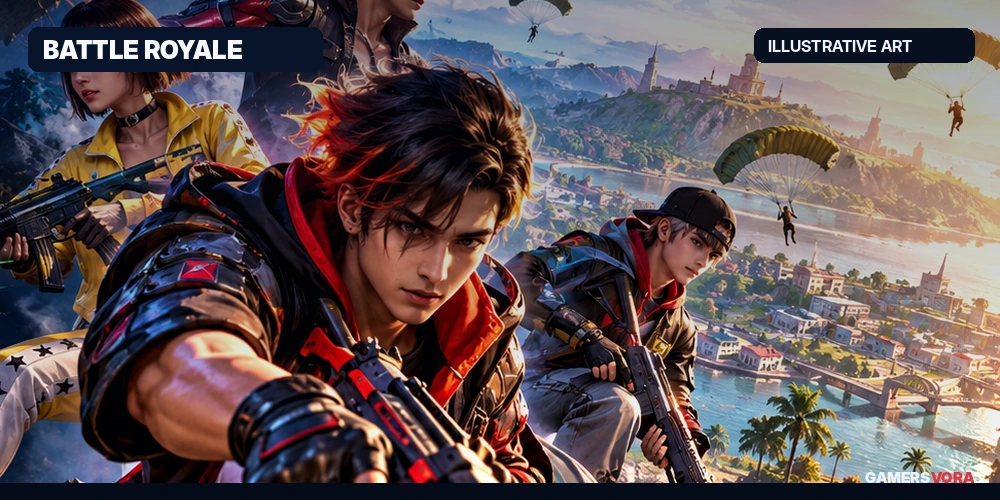
The familiar Free Fire formula remains the foundation.
Battle Royale places competitors on a map where survival depends on collecting equipment, positioning and staying ahead of the shrinking safe area.
Matches are designed to move quickly. Choosing where to land affects the weapons and supplies available early on, while later decisions depend increasingly on positioning and encounters with other teams.
Clash Squad offers a different pace through concentrated 4v4 rounds, where teamwork and equipment decisions matter over a shorter period.
The official Google Play listing also describes character abilities and customisation options.
For returning players, the larger question is how the India edition’s events, matchmaking environment and future updates will develop. Those details deserve evaluation as the live service evolves rather than assumptions based on an earlier version of Free Fire.
India-Focused Events and the Diwali Campaign
Garena has confirmed a special Diwali campaign running until November 15, 2026.
The publisher says Free Fire India will include activities and campaigns reflecting Indian communities and culture.
Players interested in the event should inspect its in-game schedule and reward conditions after installing the official app. The announcement does not establish that every reward will be free or available to all accounts.
Responsible Gaming Features and Parental Controls
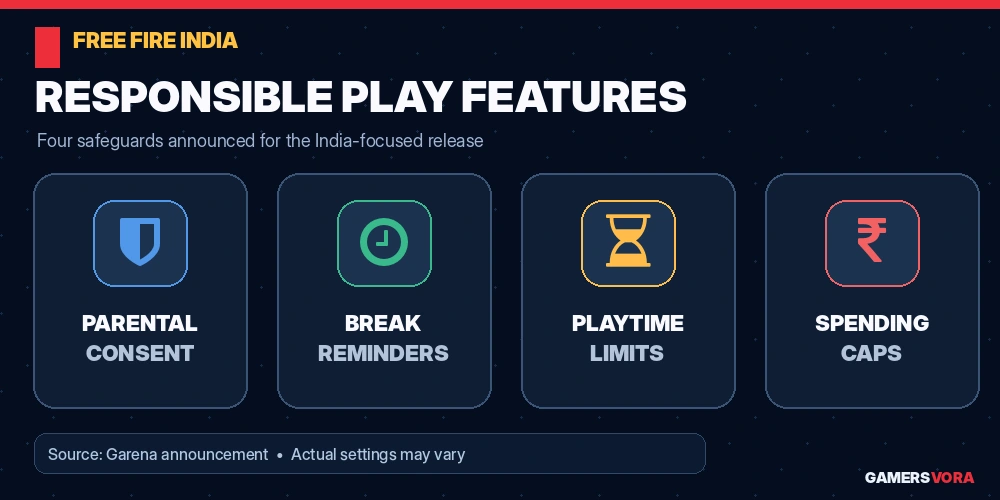
Free Fire India’s launch also comes with measures designed to encourage more controlled play.
Garena has confirmed:
- Parental consent requirements for players under 18.
- Reminders encouraging regular breaks.
- Playtime limits.
- Spending caps intended to manage in-game purchases.
Its official FAQ further explains that users under 18 registering for Free Fire India must provide a parent or guardian’s mobile number for OTP verification.
This matters for families because free installation does not mean that every activity inside the game costs nothing.
Garena’s FAQ confirms that diamonds can be purchased with real money and used for certain in-game items.
Parents should review both the game’s settings and their device’s built-in purchase restrictions. They should also discuss account privacy and in-game communication with younger players.
Garena says it has introduced enhanced data-protection measures, including servers located in India. Those are publisher-reported measures, not independent evidence that every privacy concern has been eliminated.
Free Fire India Download Not Working? Check These Issues
The Install Button Is Missing
Confirm that you have opened the correct standalone listing. Check again through Garena’s official download page. Availability may depend on the store rollout, account region or device.
Google Play Says Your Device Is Incompatible
Check whether your phone has pending Android updates and review the compatibility information shown by Google Play.
Garena says the game has been optimised for a broad range of smartphones, but that does not guarantee support for every device.
The App Store Does Not Show Free Fire India
Use Garena’s App Store link or official FAQ. If the app remains unavailable, avoid unofficial workarounds and check for an updated store listing.
The Download Starts but Does Not Finish
Confirm that your internet connection is stable, free up storage and retry through the same official store.
The Game Installs but Cannot Connect
Check your connection, restart the app and look for an official service notice. An error message alone does not establish whether the problem is a local network issue or a server-side interruption.
Is Free Fire India Worth Downloading?
For players who previously enjoyed Free Fire’s short battle royale matches, the India release provides an official route back to a locally focused version of the franchise.
The free entry point makes it easier to try, although optional purchases and time commitments remain worth considering.
The bigger uncertainties concern account continuity, regional rollout and the long-term differences between the India edition and Free Fire MAX. Players who have invested heavily in an existing account should investigate those details before abandoning their current setup.
Those interested in comparing other phone-friendly titles can also browse GamersVora’s action game collection.
For now, the most useful advice is simple: install only the verified Garena app, protect your login details and judge the new edition on what it actually offers after launch.
Frequently Asked Questions
1. Is Free Fire India available to download?
Garena announced October 28, 2026, as the official availability date. The Google Play listing is accessible, while individual install availability should be checked directly on the device.
2. What is the official Free Fire India Android download link?
The official Google Play listing is https://play.google.com/store/apps/details?id=com.garena.game.ffi.
3. Can I download Free Fire India on iPhone?
Garena has announced an iOS release through the App Store. However, the direct Apple page could not be independently verified during our October 28 check.
4. Is Free Fire India free?
Yes. Garena confirms that the game is free to download, although optional in-app purchases are available.
5. Is Free Fire India the same as Free Fire MAX?
No. Free Fire India has its own app listing and is positioned as a standalone, India-focused release. Free Fire MAX remains a separately named application.
6. Will my Free Fire MAX account and diamonds transfer?
Automatic migration and purchase transfers were not confirmed in the October 27 announcement. Check Garena’s official support information before relying on account continuity.
7. Does Free Fire India require parental consent?
Garena says players under 18 need parental consent. Its FAQ describes an OTP verification process involving a parent or guardian’s phone number.
8. When does the Free Fire India Diwali event end?
Garena has confirmed November 15, 2026, as the campaign’s scheduled end date.
Trusted Source
- Garena — Free Fire India Is Here (October 27, 2026)
https://ffindia.garenaind.com/en/article/1191/ - Garena — Free Fire India Official FAQ
https://ffindia.garenaind.com/en/faq/ - Google Play — Free Fire India Official App
https://play.google.com/store/apps/details?id=com.garena.game.ffi - Gadgets360 — Free Fire India Launch Date and Safety Features (October 27, 2026)
https://www.gadgets360.com/games/news/free-fire-india-launch-date-features-parental-controls-playtime-limits-12243082 - Moneycontrol — Free Fire India Launched: Download and Gameplay (October 28, 2026)
https://www.moneycontrol.com/technology/free-fire-india-launched-how-to-download-gameplay-features-characters-and-more-article-14062029.html

Sign in to Comment
Join the Gamersvora community
Create a free account or sign in to comment and reply. This keeps conversations safer and reduces spam.